Screens you already own
A smart TV browser, a tablet, an old laptop, a mini PC — if it opens a web page, it can show your sign.
Digital Signage
Split any screen into zones — a main video area, a sidebar, a clock, your logo, a scrolling ticker along the bottom. Fill each zone with what you need, then open the sign on a screen you already own. No boxes, no new hardware.
Included in: Business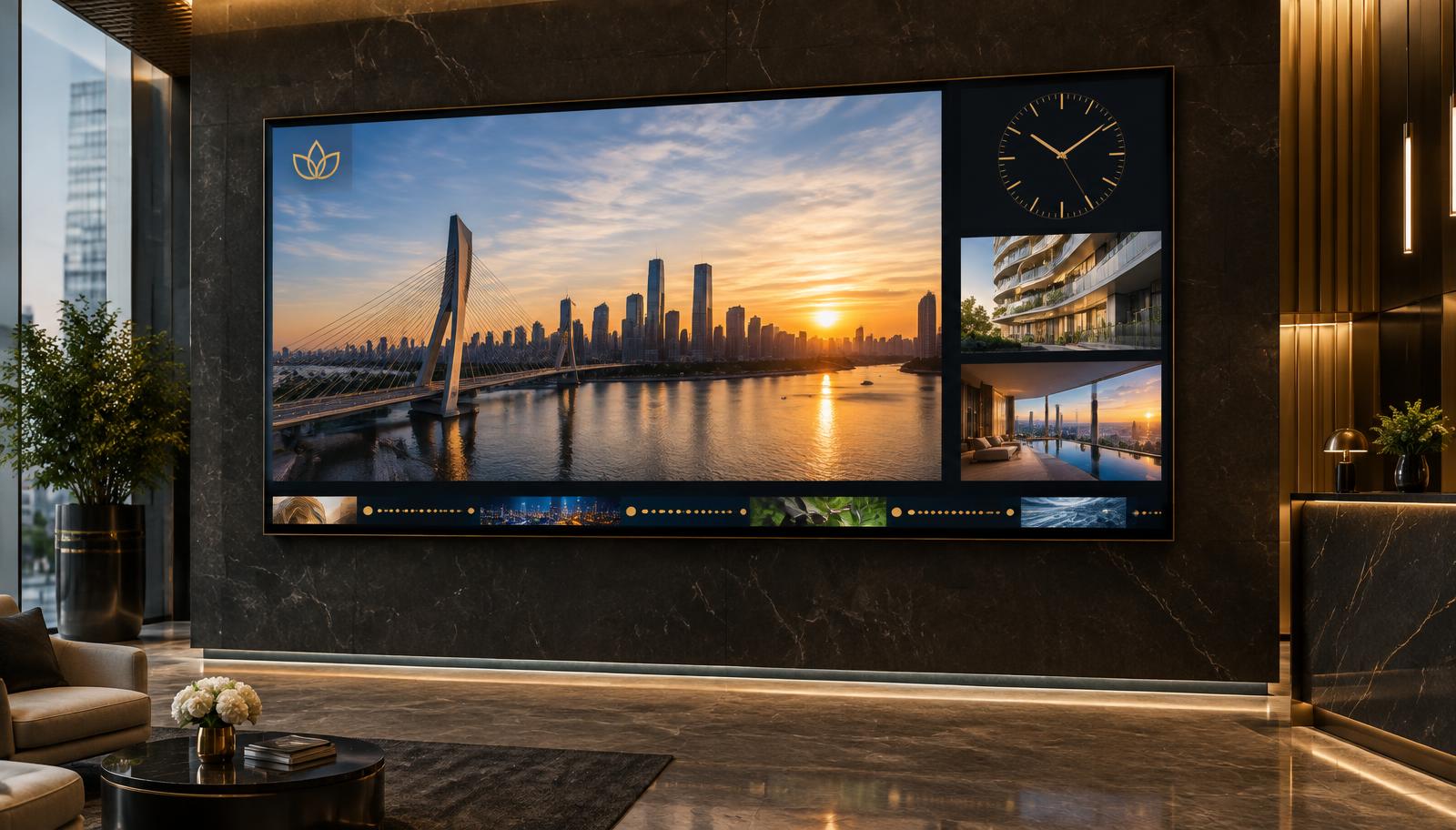
Community screen example
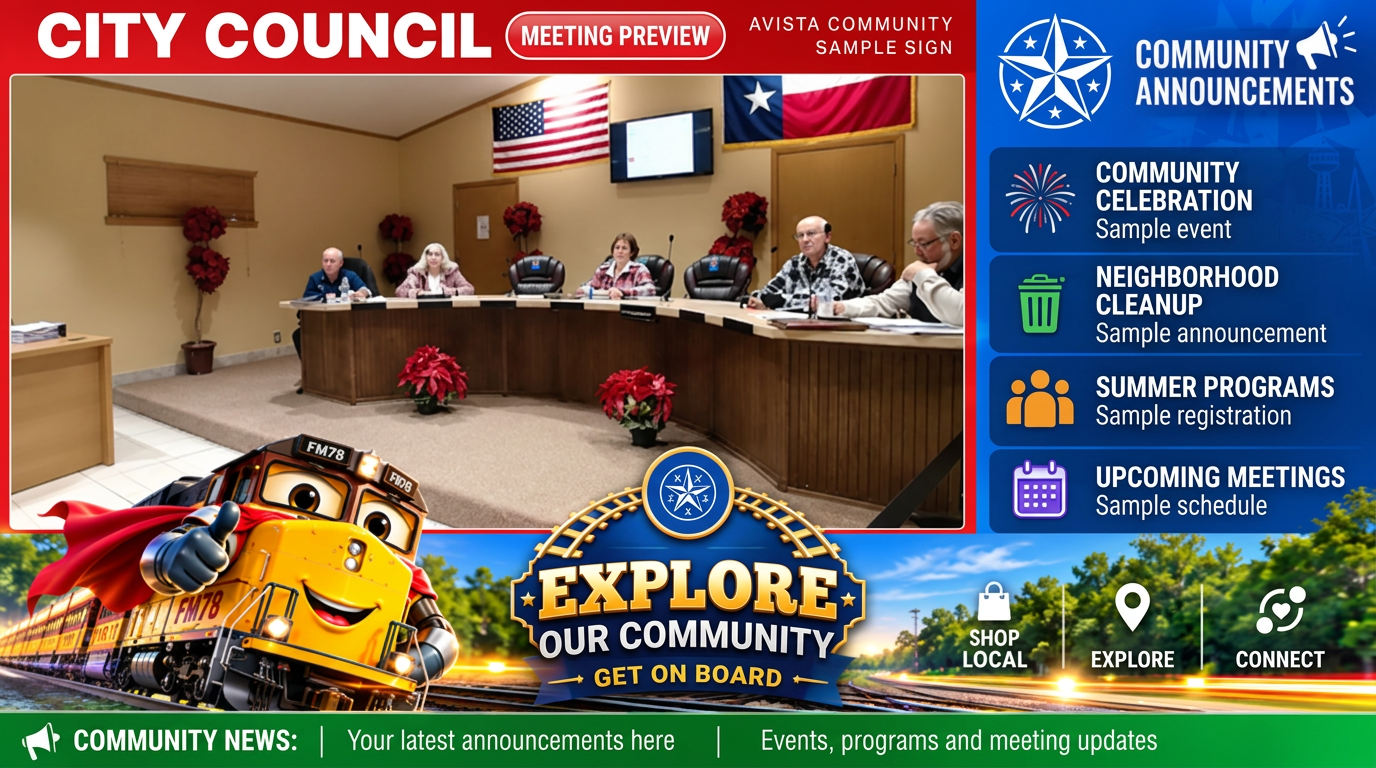
A large main area for council meetings, community videos, or a live YouTube feed.
Keep upcoming events and community notices alongside the main program.
Give your city, church, or organization its own recognizable look.
Keep updates moving along the bottom without covering the main content.
Start from a preset, then fill every zone with exactly what you need. Tap a layout to see how the screen splits — sizes below are for a 1920 × 1080 screen.
Try it now
Add your own picture or a YouTube video to any zone — right here on this page, no account needed.
Title bar on top, main content, right sidebar and a bottom ticker — the classic council / station board.
Both sit on top of whatever is playing, so nothing gets pushed out of place. Try the controls — this is the same placement your sign uses.

Upload a PNG, pick a size, then nudge it anywhere on screen.
logo · 90% across · 8% down · medium
Pin the time and date to any corner, in three sizes.
clock · bottom right · medium
Sample only. Your images stay in this browser tab and are not saved to an account.
Most signage systems ask you to buy a player box and a licence for every screen. Avista runs in the browser you already have.
A smart TV browser, a tablet, an old laptop, a mini PC — if it opens a web page, it can show your sign.
Open the sign link full screen on the wall, or drop the embed code into your website. Both update the moment you edit.
No media player box, no signage software, no per-screen licence. Your sign lives in the same account as your players and channels.
Six preset layouts — full screen, main + sidebar, split screen, header + sidebar + ticker. Zones sit flush, with no borders between them.
Play a slideshow, a video or a synchronized TV channel in the main zone — or run two at once on a split screen.
Point a zone at a live stream. Hold a thumbnail for 5, 10, 20 or 30 seconds before the feed starts.
Upload a PNG and nudge it anywhere on screen with arrow buttons and two sliders, in small, medium or large.
Overlay the time on any zone, pinned to a corner in three sizes — with your timezone and 12- or 24-hour time.
A scrolling message along the bottom, in a bar you colour yourself; the text stays readable automatically.
Create a free account and build your first one in minutes.
Start free