One HTML snippet
Works with WordPress, Wix, Squarespace, Shopify or any web page.
Slider · Media Player
Mix photos, uploaded video and YouTube into one polished player. It plays with sound, loops on its own, and can be sent to a TV — no slide-deck software needed.
Included in: Free and up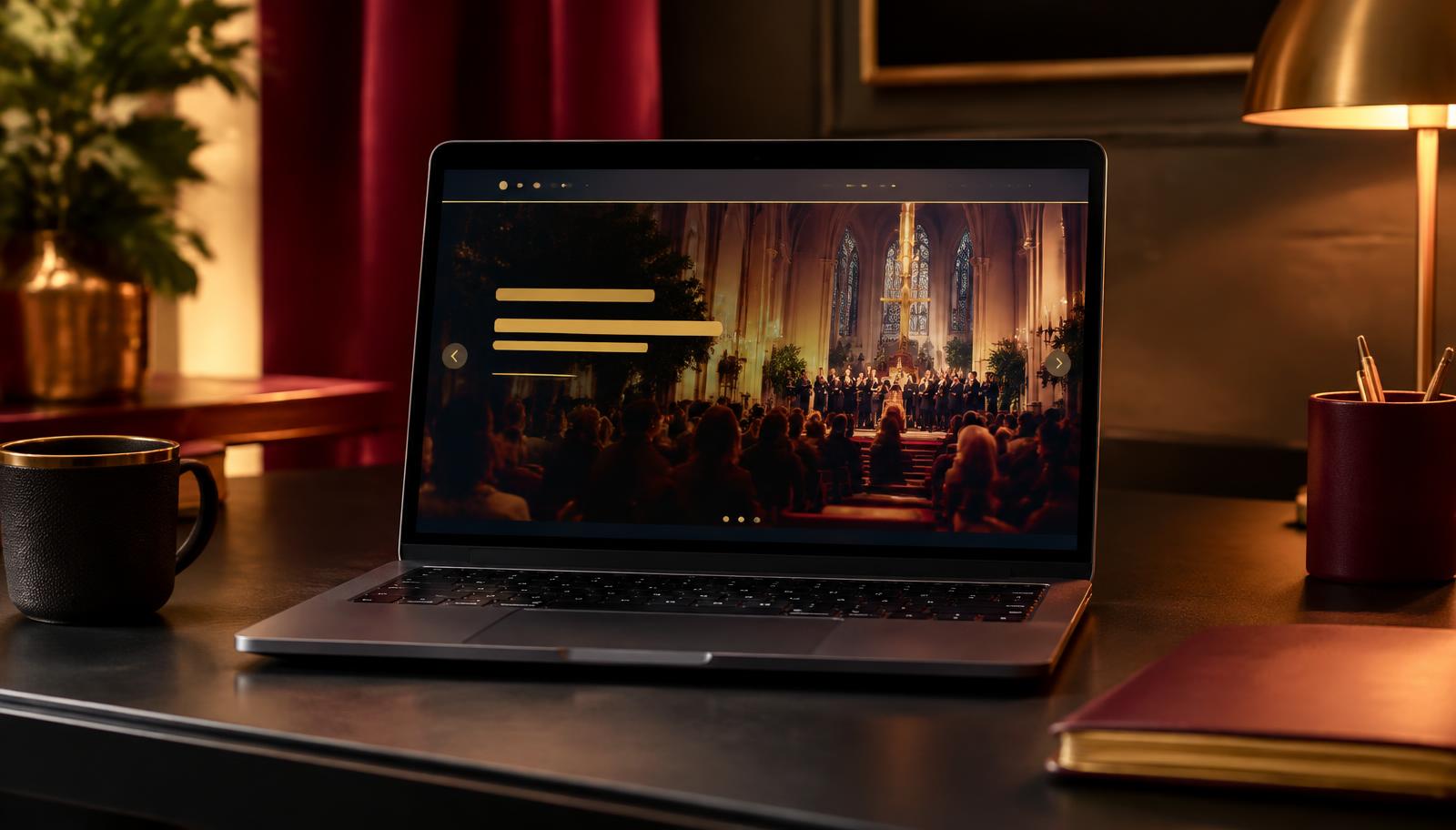
A live Slider — 1280 × 400 website banner.
Slideshows without slide software
If you can drop a photo on a page, you can run a player. Slides, images and video all live in one banner that keeps playing, keeps looping and keeps itself current on your site.
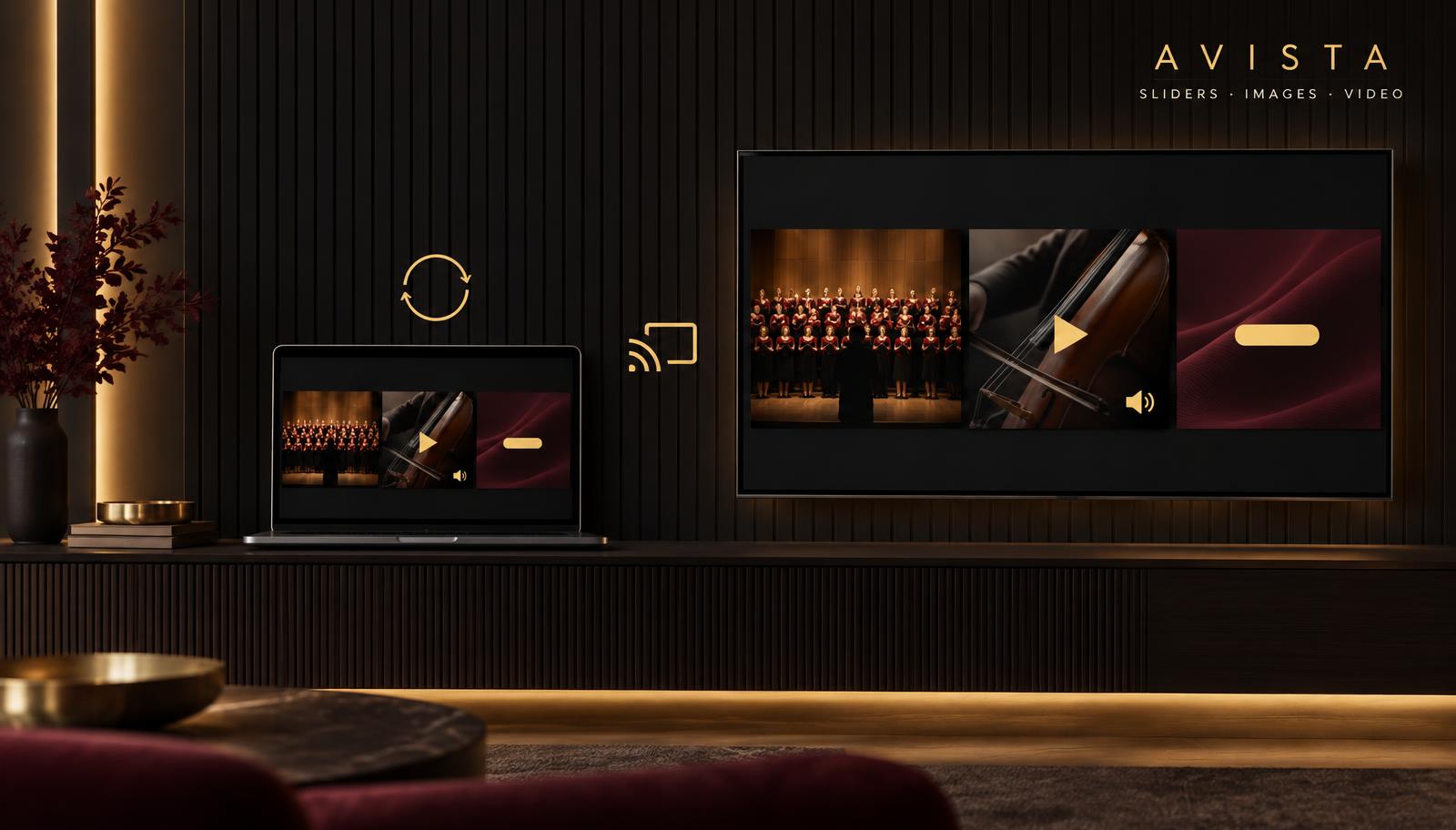
Build it from photos, uploaded video and YouTube links in a drag-and-drop editor. No presentations to export, no files to email.
Video keeps its sound, with a mute button your visitors control. Photos carry headlines, descriptions and a button of their own.
Set how long each slide shows and the player runs on its own — the last slide hands back to the first, day and night.
Send the player straight to a TV on your Wi-Fi, or cast from the embedded copy on your own page.
Pro tip · Live production
NDI treats any computer on your network as a video source. You're already on your computer, so open the player there, add the free NDI Tools from ndi.video, and your slider shows up on every switcher, streamer or recorder on the same network. No capture box, no cables, nothing extra to buy from us.
Official download from ndi.video — Windows and macOS. The pack includes Screen Capture and Studio Monitor, the player that shows an NDI feed on your screen.
Open the player full screen and run the free NDI Tools Screen Capture. Your computer appears as an NDI source on the network.
Paste the player link into vMix, OBS or Wirecast as a browser source. vMix sends NDI built in; OBS adds it with the free NDI plugin.
Only if the screen showing the player isn't a computer on your network. Most setups never need one.
NDI is a trademark of Vizrt. Avista serves your player as a normal web page — the NDI feed itself comes from your capture tools, so this works with whatever NDI gear you already own.
Works with WordPress, Wix, Squarespace, Shopify or any web page.
Edit slides once and every embedded copy changes automatically.
Smooth transitions, Ken Burns motion, headlines and buttons.
Video plays with audio and a mute button, so nothing surprises your visitors.
Slides run in order and start over on their own — no one has to click.
Play a full video or just the part you choose.
Keeps its shape on phones, tablets, desktops and big screens.
Send your player to a TV on Pro and Business plans.
Create a free account and build your first one in minutes.
Start free