Perfect sync
Every TV, phone and website plays the same content at the same second.
Video Player · TV Channels
Build a channel with scheduled shows, playlists and commercials. Every viewer sees the same moment at the same time — just like broadcast TV.
Included in: Business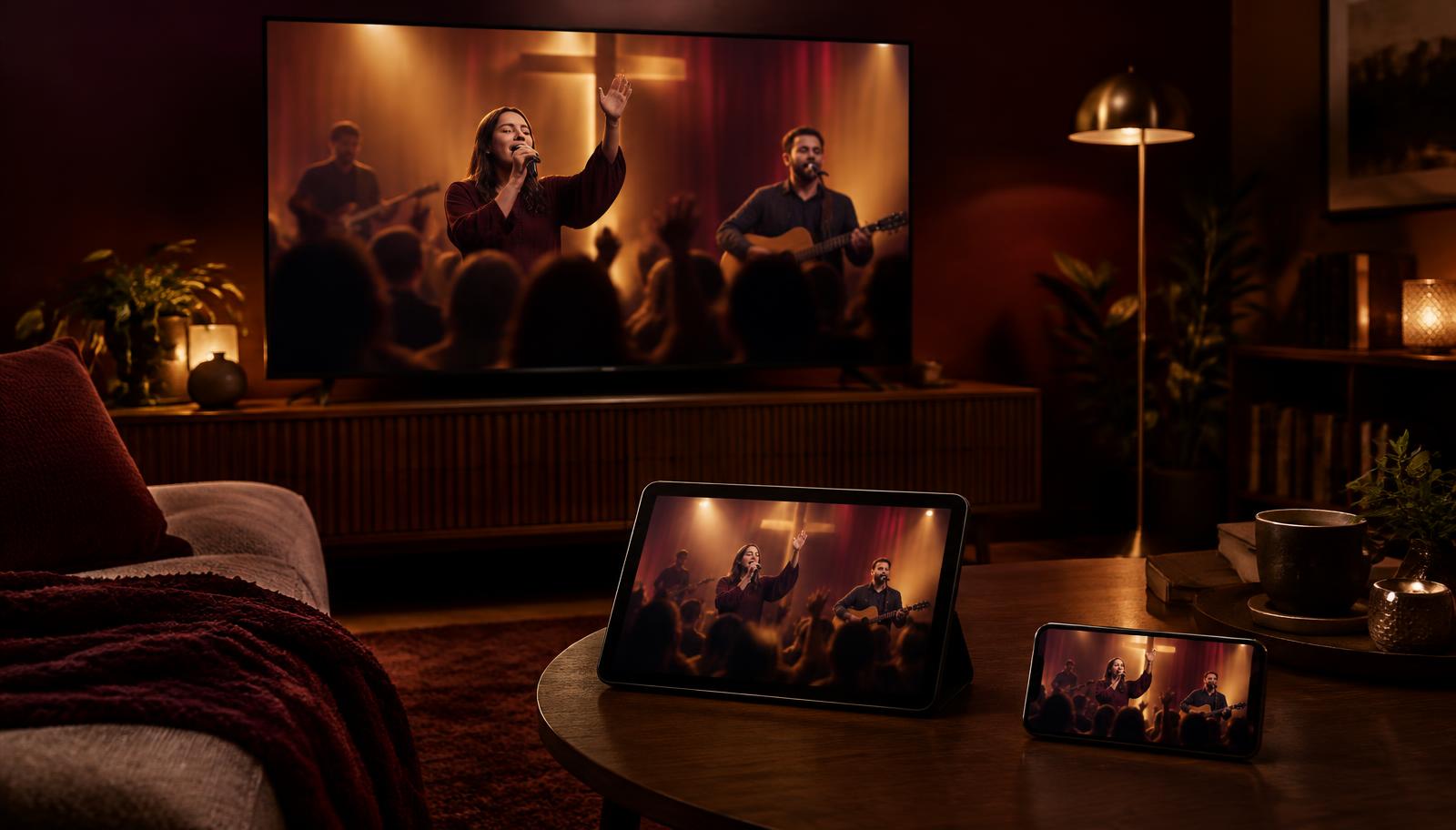
Program schedule example
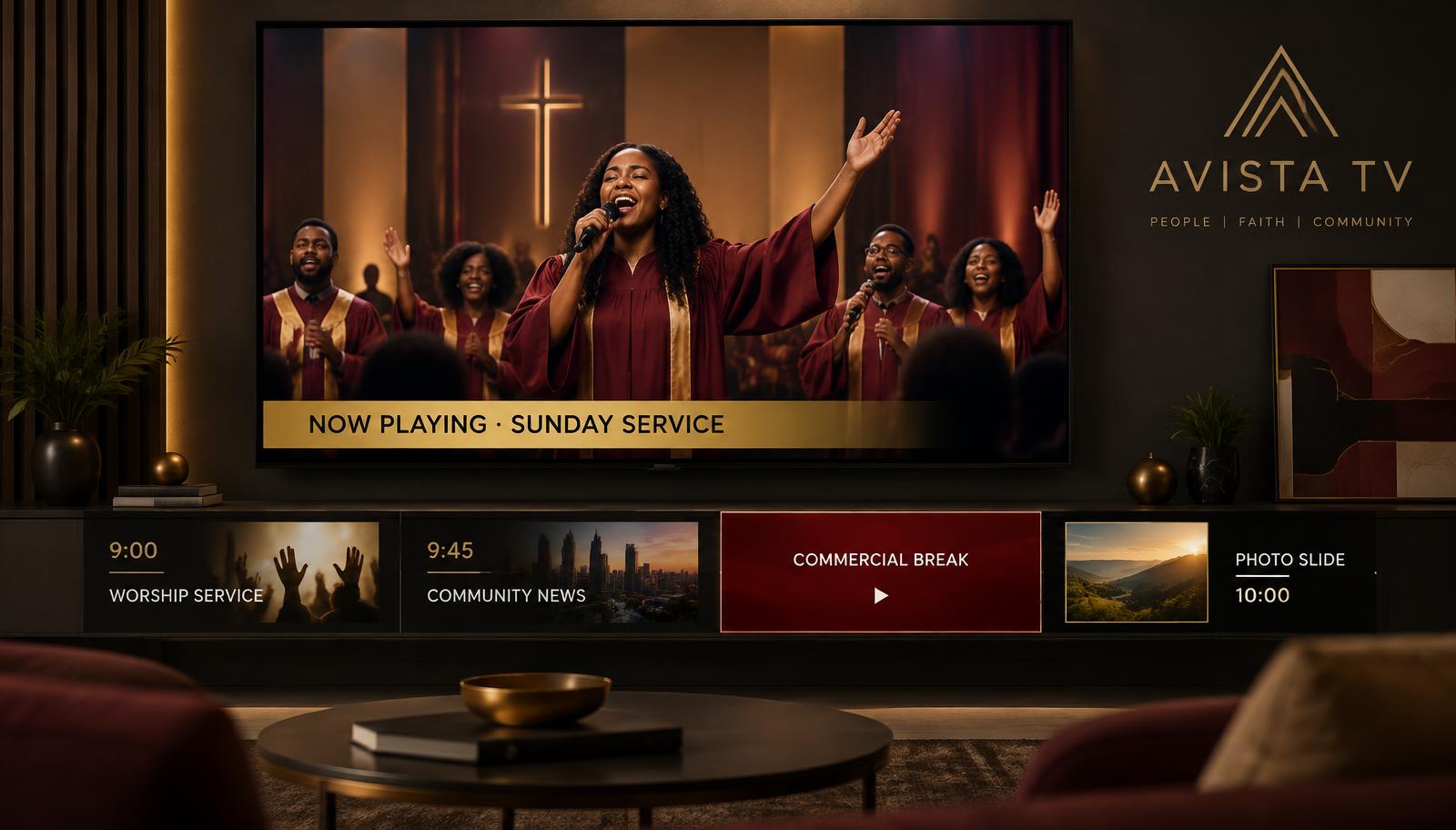
Set programming slots for the hour or the whole day, with a playlist for each slot — or shuffle a whole playlist.
A commercial playlist cuts into the stream on schedule, so sponsors and announcements always get airtime.
JPEG and PNG images play for exactly as long as you choose, between videos — service times, menus, offers.
Every TV, phone and browser showing the channel plays the same moment at the same second.
Every TV, phone and website plays the same content at the same second.
Plan programming by the hour with playlists for each slot.
A commercial playlist forces ad breaks into the stream automatically.
Videos play all the way to the end with real titles and thumbnails.
Mix JPEG and PNG slides between videos for as long as you choose.
Share link, website embed or Chromecast to your TV.
Create a free account and build your first one in minutes.
Start free